 Pigeon
Introducing Pigeon
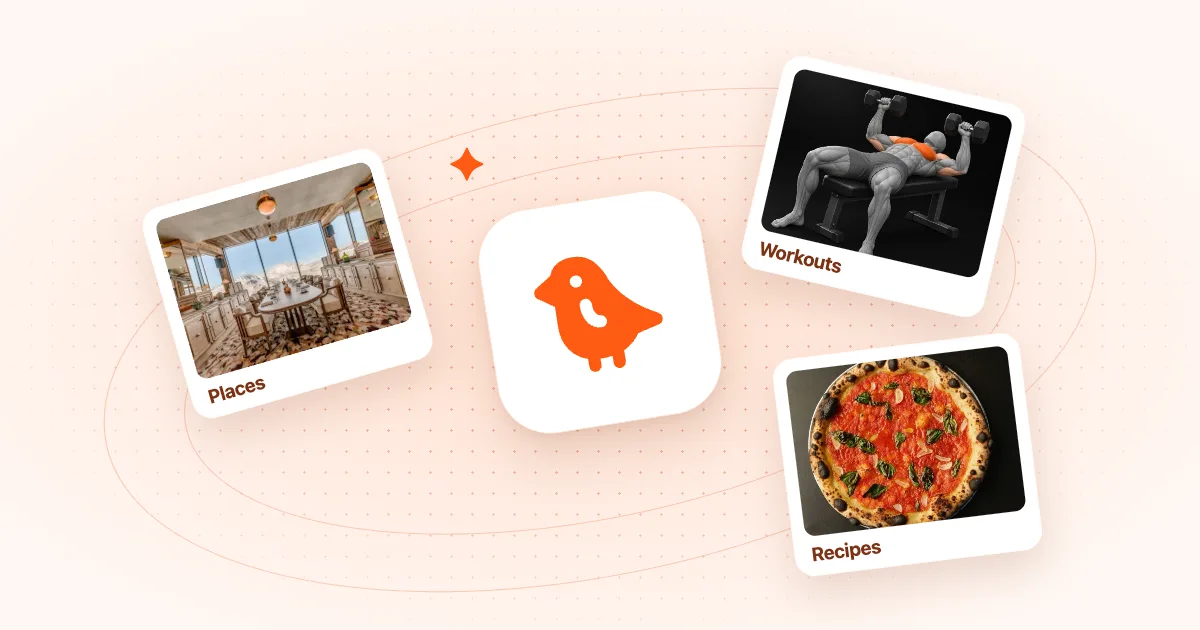
Turn the places, recipes, workouts, and events you find online into saves you can search, revisit, and use in your other apps.
A friend sends you a video about a café. You save it for Saturday. When Saturday comes, you still have the video, but you have to watch it again to find the name of the café. Chances are you’ll need to look up its address separately.
Pigeon gives you the useful details up front. Share the video and Pigeon looks for the place it mentions. In your library, you can find the place by name, check the address, and open it in Maps. You can still get back to the original video to see what your friend wanted you to notice.
Start with whatever you found
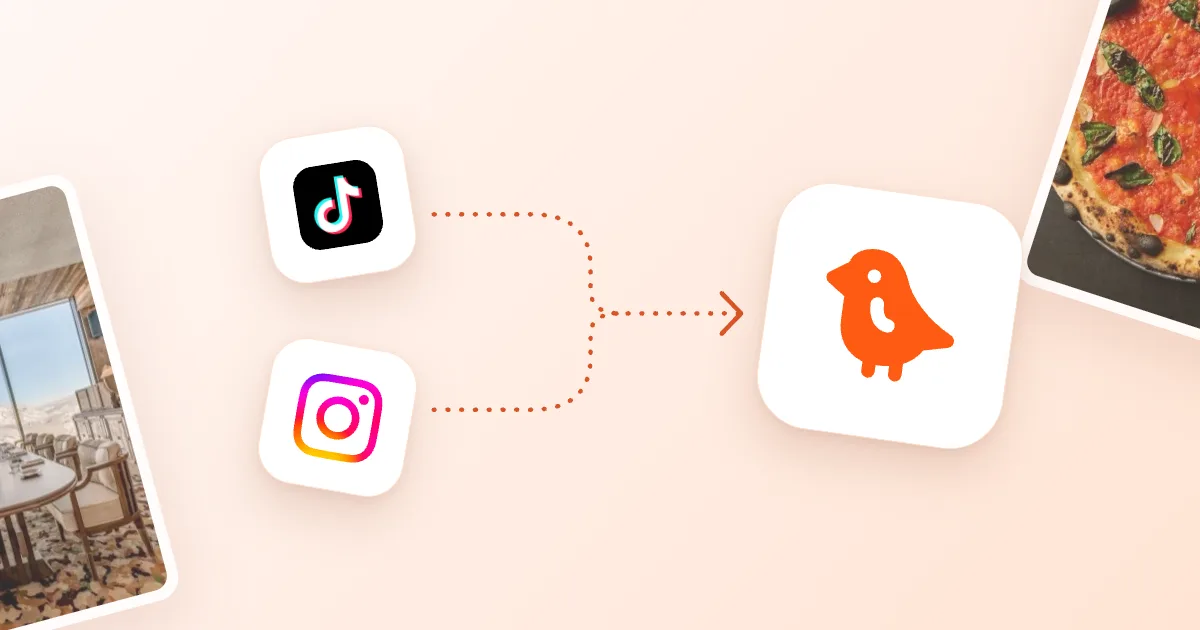
Send Pigeon a link, a screenshot, a bit of text, or a file. It looks for the things you might want to use later, like the ingredients in a recipe or the moves in a workout. A weekend guide can give you several places from one send. Pigeon keeps the source with your saves so you can check a detail or revisit the creator’s recommendations.


Use your saves where they make sense
When you’re making weekend plans, see all your saved events in Google Calendar or subscribe to them in Apple Calendar with a private feed. When you’re about to train, open a saved workout in Workout Notepad to make it part of your routine. You can browse your saves together in Pigeon and use them in connected apps when you need them.
Your own edits belong to you. If you adapt a workout for the equipment you have at home, your version keeps those changes and the link to the original.
Take a copy with you
Pigeon Open Data lets you export a single save, a type of record, or your full account in open formats. It’s available on every plan and works independently of live connections. If you want to build something with your saves, start with the Pigeon docs.
The next time you find something you want to use, share it to Pigeon from your iPhone.