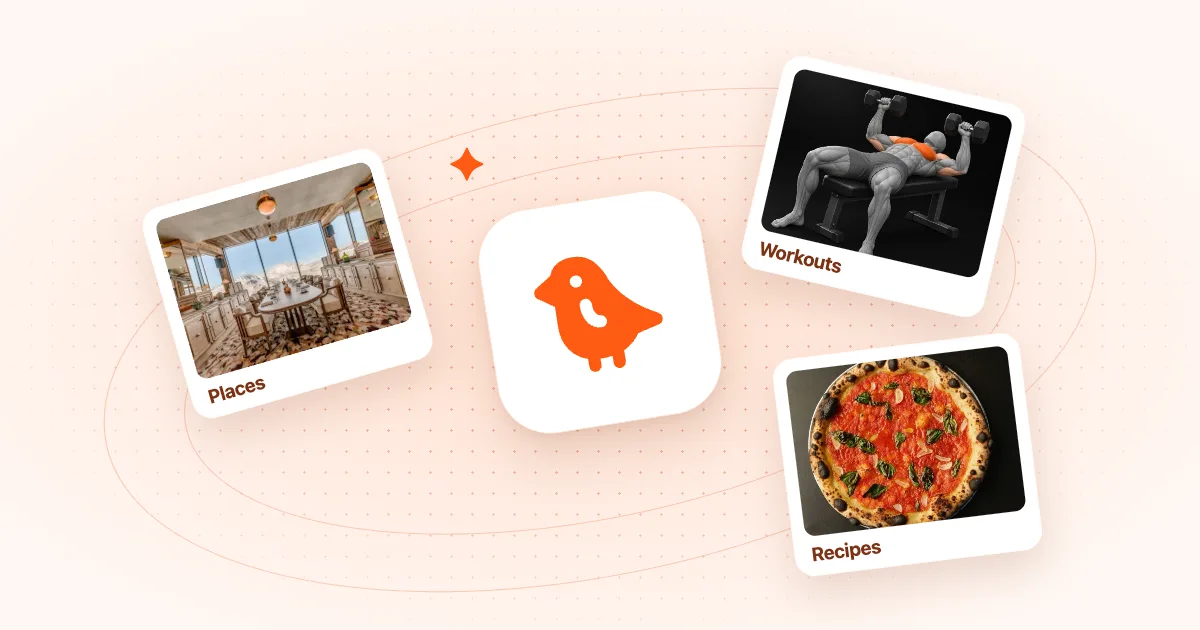
 Pigeon
Your library, open by default: Pigeon Open Data
Export your Pigeon library in open formats and authorize connected apps to use the records you choose to share.
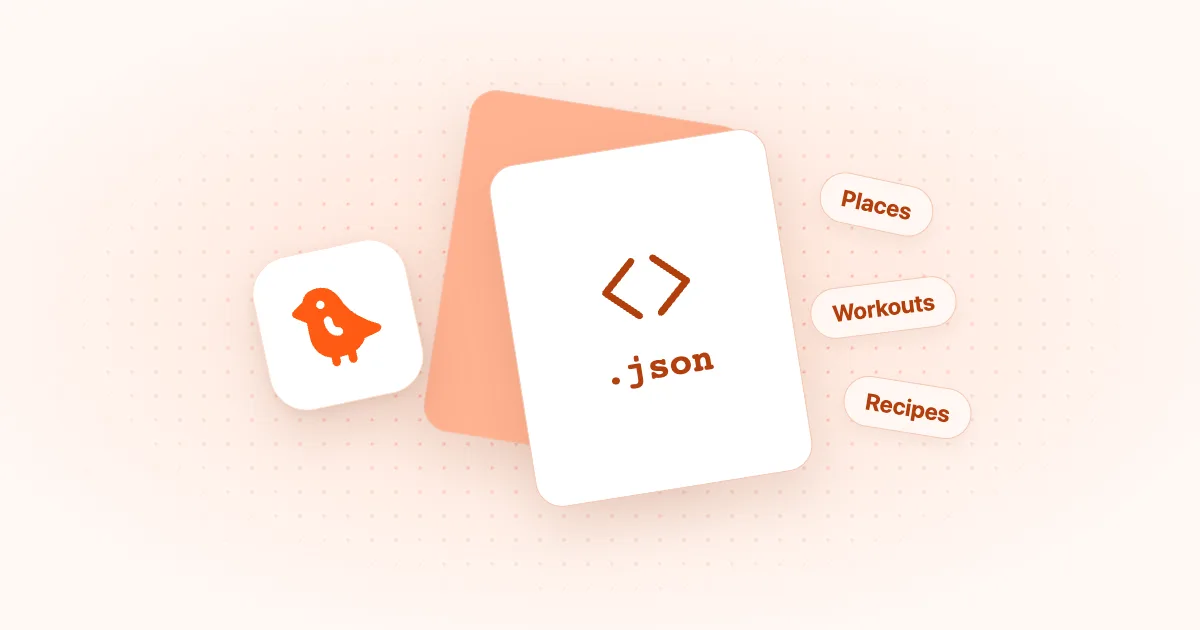
Suppose you’ve been collecting places for a trip. You might want just those places as a file to work with on your computer. Months later, you might want a calendar or a tool you built to follow changes as you keep saving. Pigeon Open Data gives you both ways to work with your library.
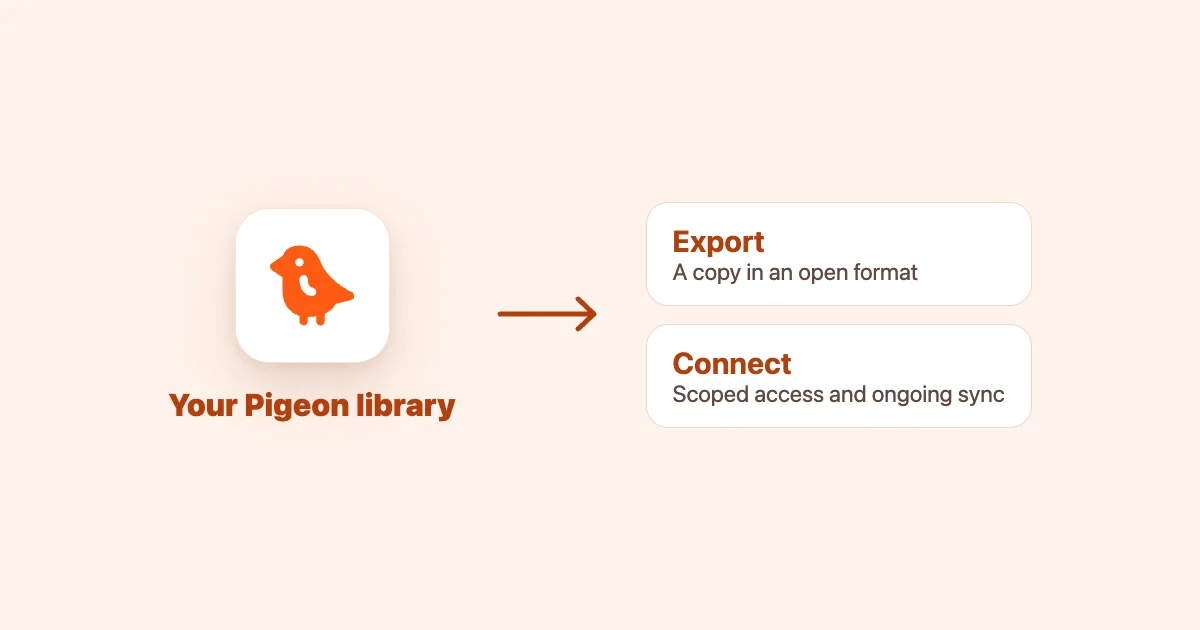
Export the amount you need
You can export a single record, a type of record, or your whole account. Use it to take a workout template into a tool that understands its format, keep a copy of your saved places, or back up your whole library.
The Pigeon docs publish the data schemas so developers can read the fields and understand what they mean. A workout can describe exercises, sets, and structured blocks like circuits. Common external formats are available where they fit the data. Exports and published schemas are free on every plan.
Connect an app for ongoing sync
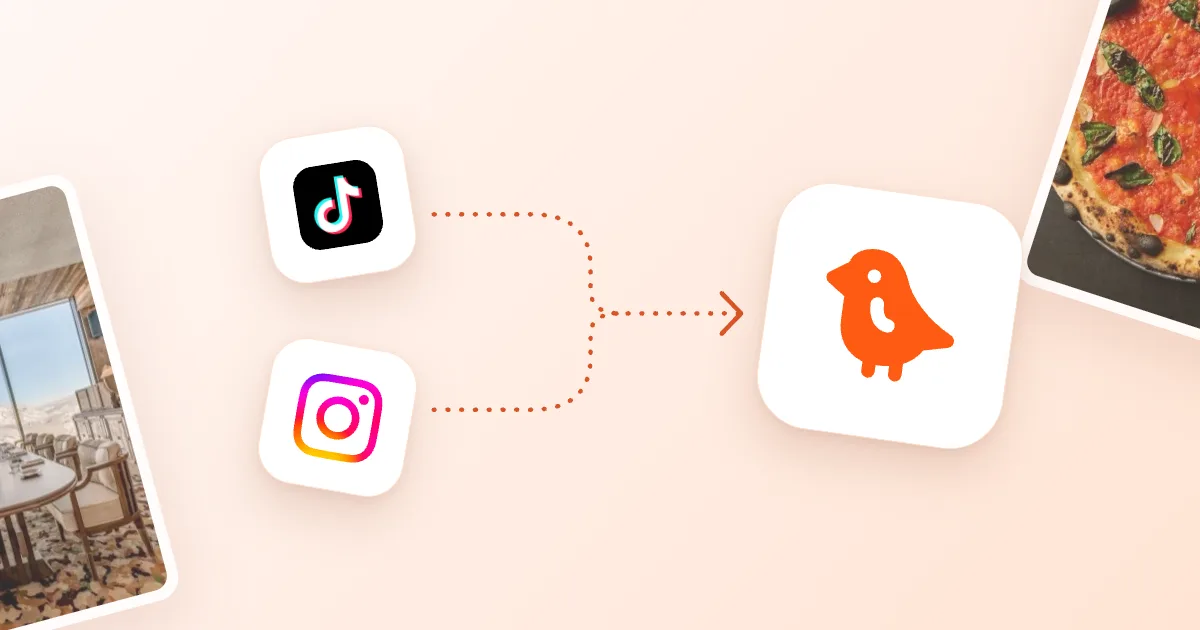
When you authorize a connection, you grant it access within defined permissions. A training app can work with workouts under its workout scopes. Apps can get an initial snapshot, then use a cursor to read changes since their last sync. A webhook can tell an app to check for new changes.
| If you want to… | Use |
|---|---|
| Keep a copy of your workouts | Export workouts by type |
| Take everything with you | Export your account |
| Update a tool as your saves change | Authorize a live connection |
You can see and disconnect connections in Connected apps. Disconnecting stops ongoing sync. Copies the other app already received stay with that app.
Build with your library
If you’re building a connector, start with the Pigeon docs for the schemas, permissions, and sync protocol. Anyone signed in can submit an integration. Each stays pending until Pigeon reviews it by hand and approves or rejects it. While it’s pending or rejected, only the submitting account can connect it for testing. A developer’s own integration uses their live connection on Free.
For a tool you run yourself, you can use personal access tokens on Free or Pro. Create up to five per account. Tokens expire after 90 days by default, or after up to one year if you choose a longer expiry. Read and send permissions are selected by default. Choose write access explicitly if your tool needs it. All your tokens together count as one live connection on Free.
If you just want the data, start with an export. You can open the file in your own tools and decide what to do with it from there.